Salah & more
Salati keeps the next salah in view and the whole Qur'an a tap away — with clear translation, verse-by-verse recitation, Qibla and Athkar.

Free · No ads · Core features work offline
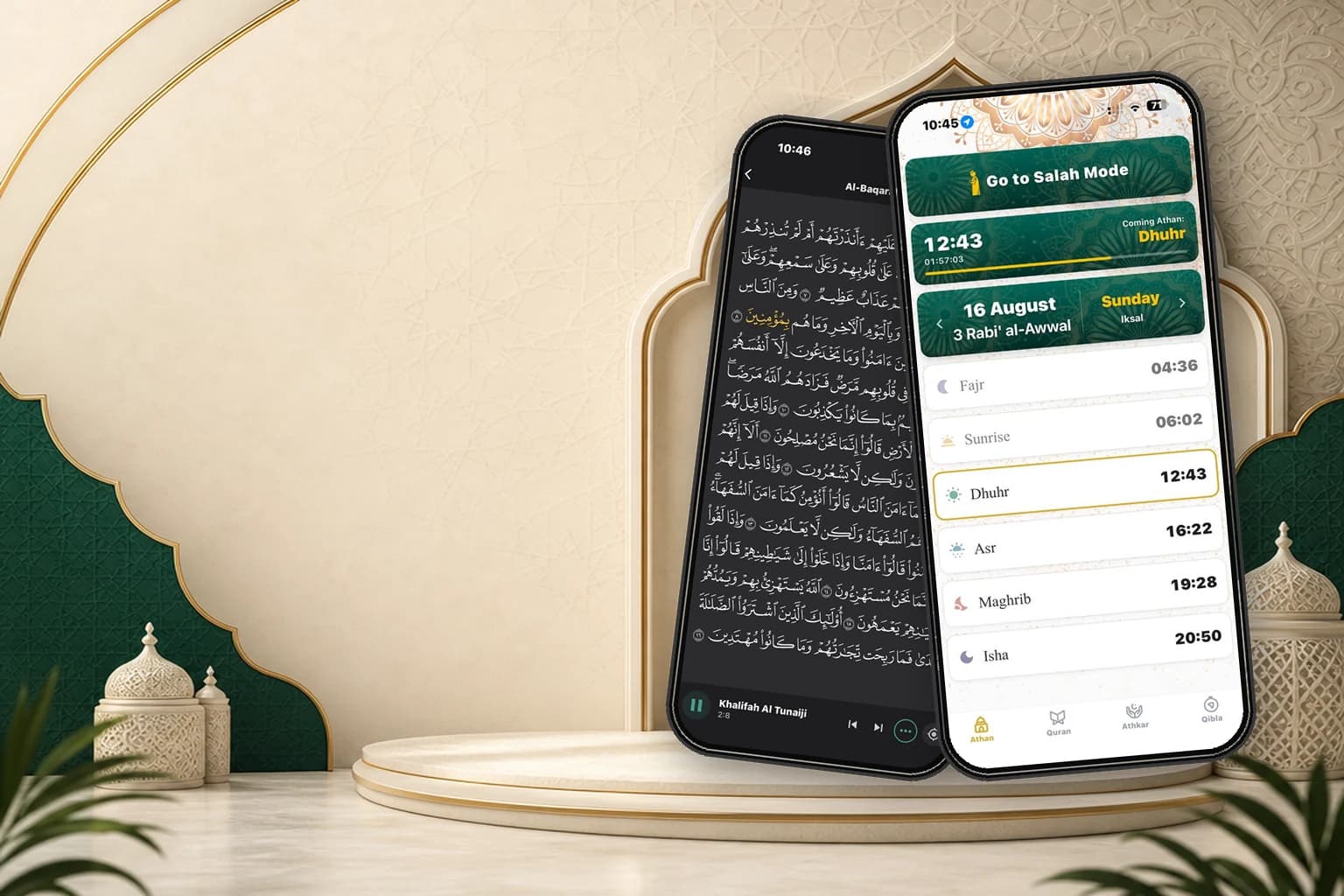
Inside the app
Every screen below is the app as it ships today.
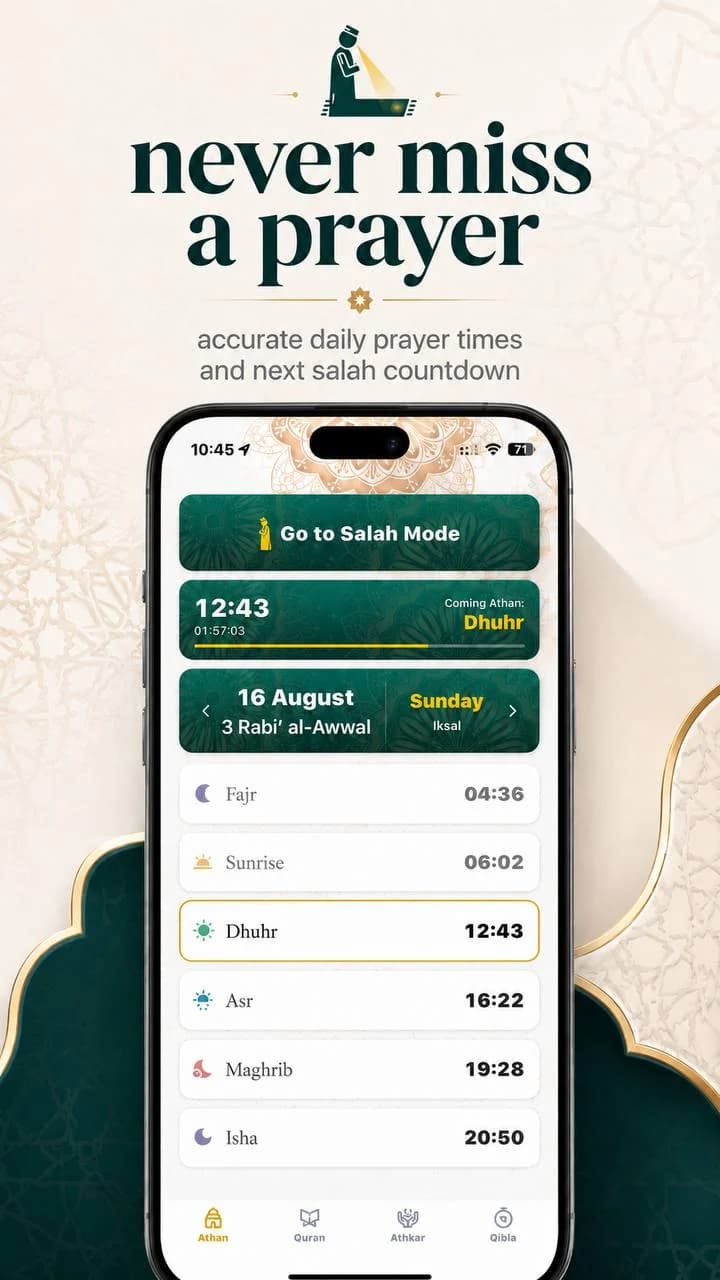
Daily prayer times for your location with a live countdown to the coming athan, the Hijri and Gregorian dates side by side, and Salah Mode one tap away.
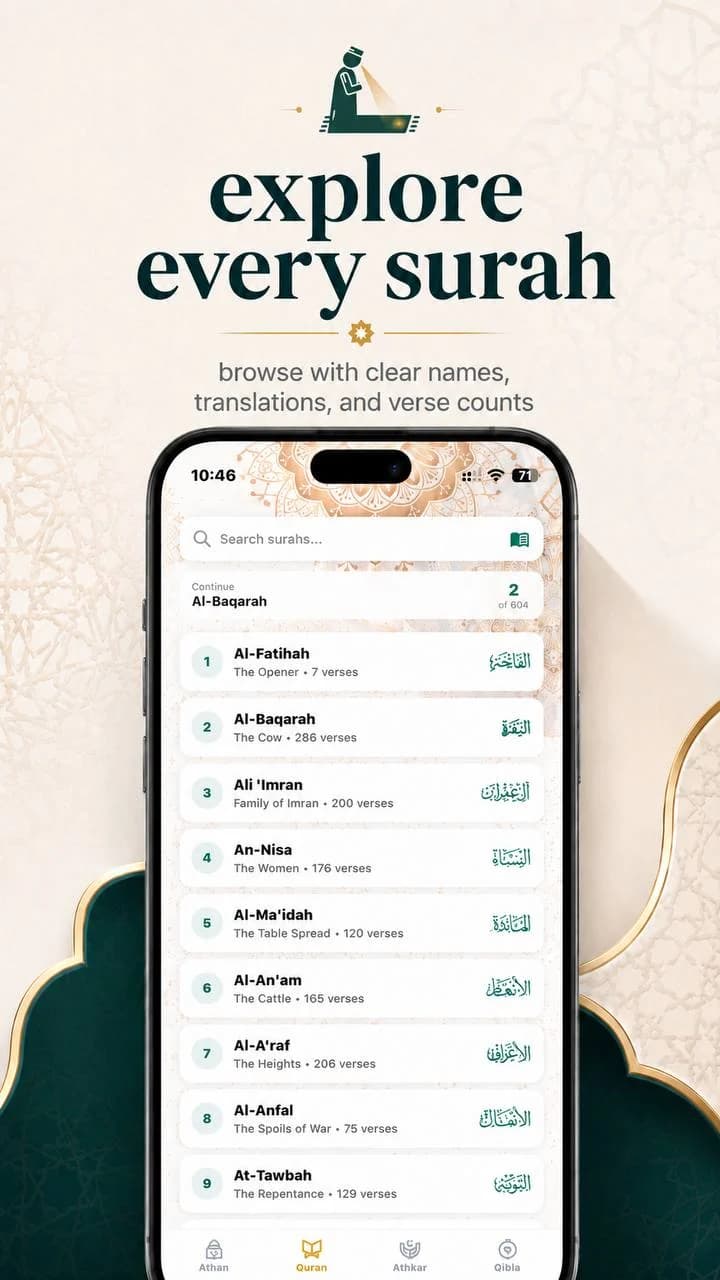
Browse the Qur'an with each surah's Arabic name, its meaning in English and its verse count. Search by name, or continue from exactly where you stopped.
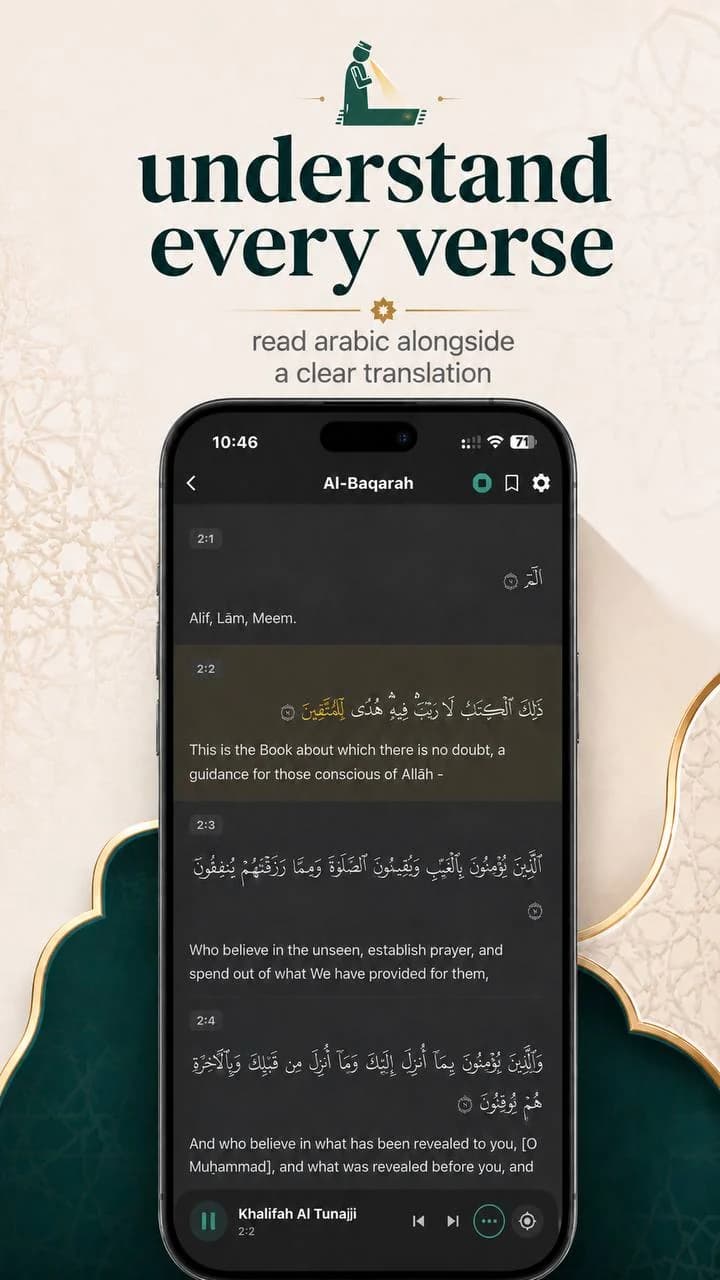
Verse-by-verse Arabic beside a clear English translation, each one numbered by surah and ayah so you always know where you are.
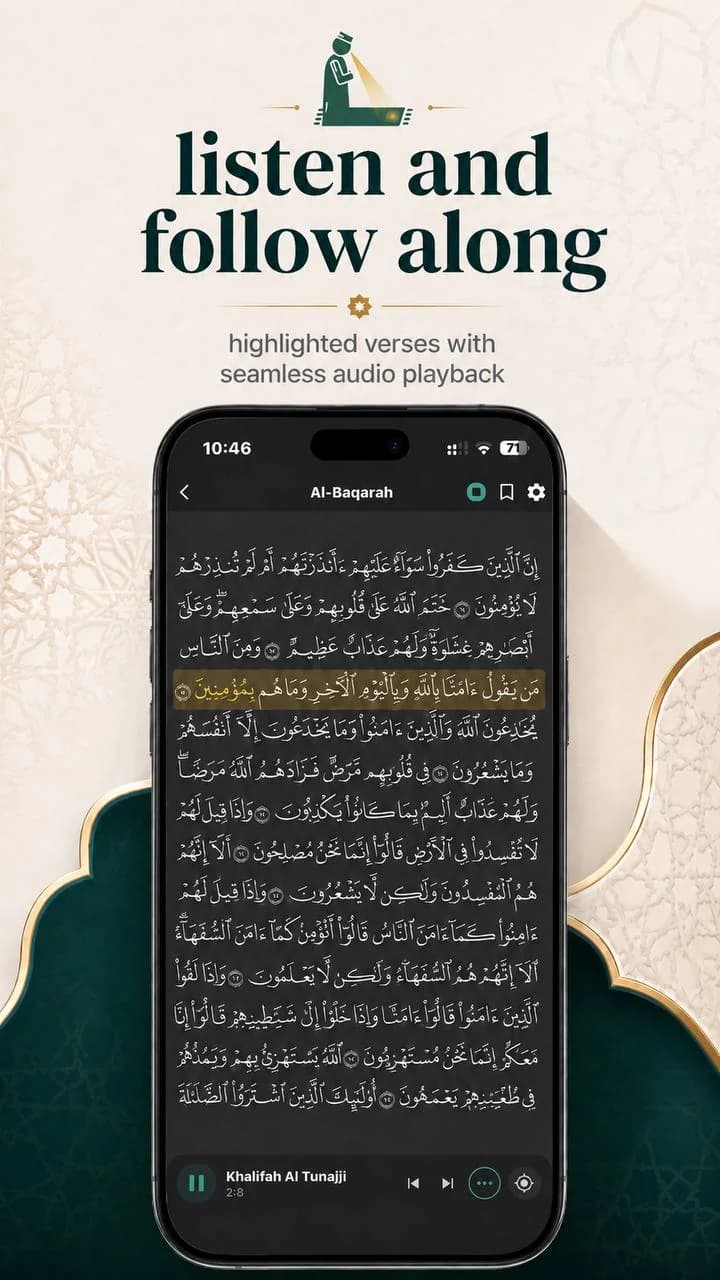
Play the recitation and watch the current verse highlight as it is read, moving through the page with the audio.
The rest of what you reach for during the day.
Find the direction of the Kaaba from wherever you are.
Morning and evening remembrance, kept in the app beside your prayers.
A focused mode you can enter straight from the prayer times screen.
Pick the method that matches how your local mosque keeps time.
Three steps, then it stays out of your way.
Install Salati and allow location access so prayer times match where you are.
Set your calculation method, madhab and notification preferences.
Follow the countdown to the next salah, then open the Qur'an to read or listen.
Prayer times are calculated from your device's location using internationally recognised calculation methods, which you can choose between in settings.
Yes, most features including the Qibla compass, Quran reading, and Athkar work offline. Prayer times are calculated locally on your device.
Yes, Salati is completely free with no ads or in-app purchases. We believe Islamic apps should be accessible to everyone.
We support all major calculation methods including Muslim World League, Islamic Society of North America, Umm Al-Qura, and regional methods.
Available for iPhone and Android.
Free · No ads · Core features work offline